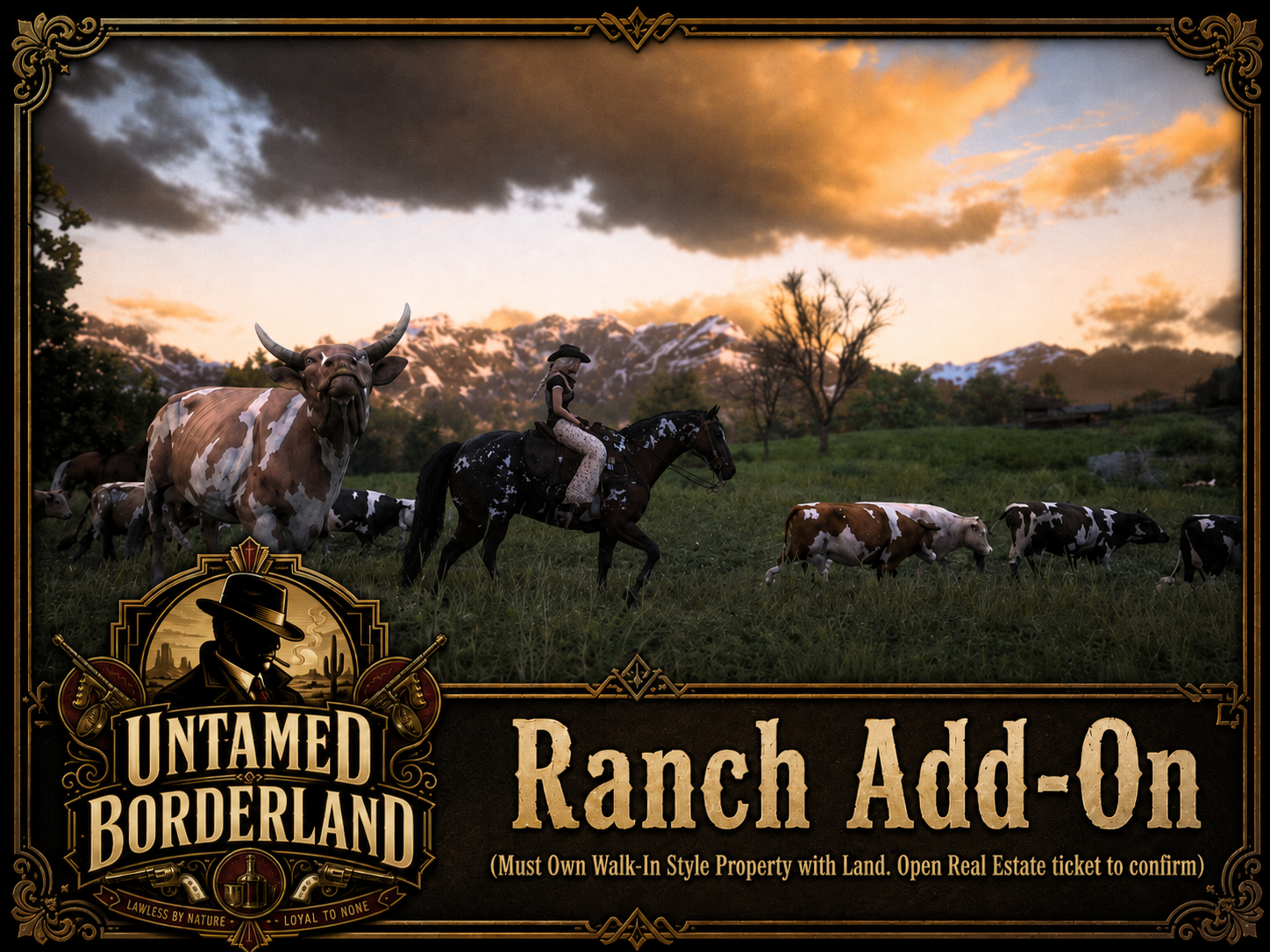
Ranch Add-On
Expand the land surrounding your existing Untamed Borderland home into a working ranch operation built for horses, cattle, crops, and other approved ranch activity.
You must already own an approved walk-in style property with enough surrounding land. Open a Real Estate ticket and have the property confirmed before purchasing the Ranch Add-On.
What You Receive
More than a house. Turn the land around it into a working operation.
Receive access to the ranch system and its available management features at your approved property.
Expand your property into an approved ranch-style operation suited for horses, cattle, crops, or other ranch activity.
Staff reviews your existing land and coordinates placement of the ranch system around the approved home.
Property Requirements
A ranch needs room to breathe and land worth working.
You must already own an approved walk-in style home with surrounding land that has been placed in the game world.
The property must have enough usable surrounding space and fit naturally with a ranch-style setup.
The ranch layout, placement area, and available features remain subject to staff review and approval.
This Is an Add-On
The Ranch Add-On cannot be purchased as a standalone ranch property.
You must already own a qualifying approved walk-in home with enough surrounding land before the ranch system can be installed.
How It Works
Location Approval
Staff may deny ranch installation if the property lacks enough surrounding land, conflicts with nearby locations, or does not naturally suit a ranch-style operation.
Approval applies to the property and ranch placement reviewed through your ticket.
Tied to Your Property
The Ranch Add-On remains connected to the approved home and land where it was installed.
If that home is repossessed, removed, transferred, or otherwise lost under Untamed Borderland housing rules, access to the Ranch Add-On may also be removed.
Important Purchase Information
This package includes the Ranch Add-On system for one approved existing property.
Additional buildings, custom mapping, land expansion, livestock, decorations, storage, or other upgrades are not automatically included and may require separate purchases or in-game costs.
This is a digital in-game server feature. It does not provide ownership of real-world land, animals, game assets, source files, or intellectual property.
Need Help?
Not sure whether your property has enough land? Need help with ranch placement or eligibility? Speak with Untamed Borderland Real Estate staff before purchasing.
Open Discord